Team & Administration
Manage your organization, users, and security settings.
Organization Management
retestr.ai supports multi-tenancy. You can create and manage multiple Organizations.
- Members: Invite team members via email.
- Roles: Assign roles to control access.
Enterprise SSO (SAML/OIDC)
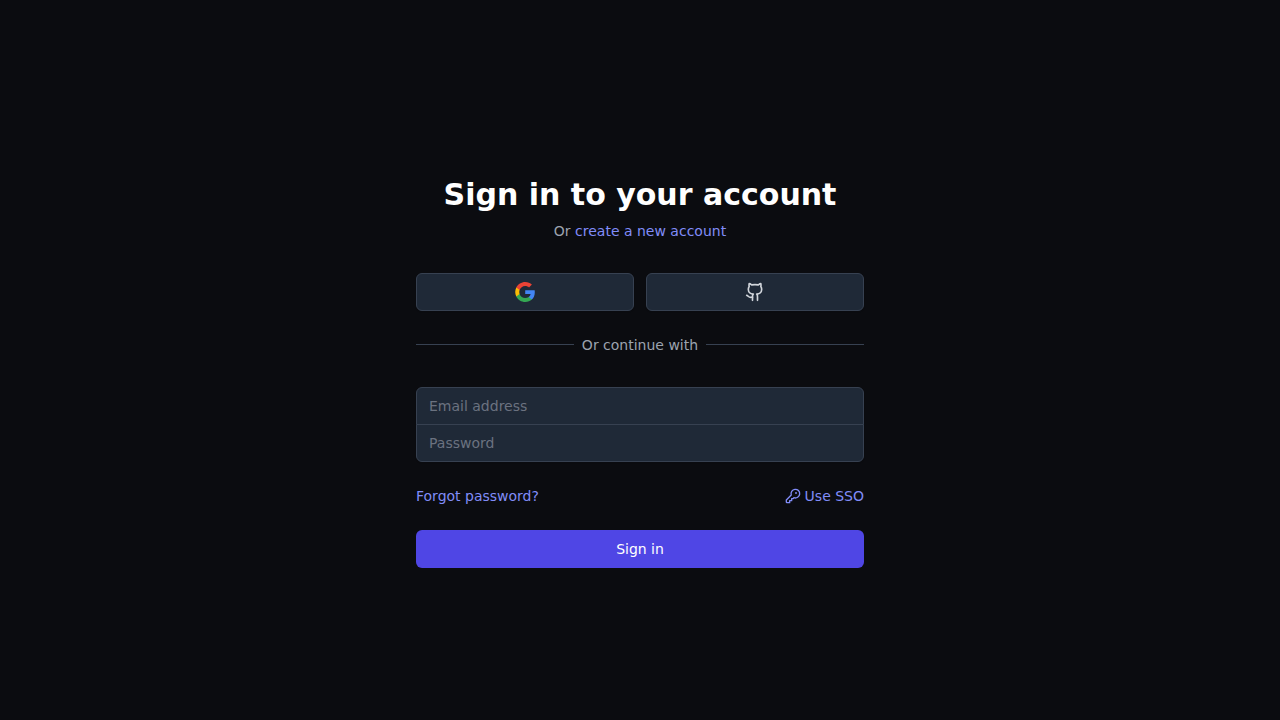
For Enterprise plans, we support Single Sign-On (SSO) to integrate with your existing identity provider (Okta, Azure AD, Google Workspace).
- Configure: Admins can set up SSO in Settings > SSO.
- Enforce: Once enabled, you can optionally force all members to log in via SSO.
- Auto-Provisioning: Users who log in via SSO are automatically added to your organization (JIT Provisioning).
Avatar Upload & Profile
Personalize your workspace and easily identify your teammates in the dashboard.
- Custom Avatars: Users can upload a custom profile picture directly from their account settings.
- Gravatar Fallback: If no custom image is uploaded, the system automatically falls back to displaying the Gravatar associated with the user's email address.
Role-Based Access Control (RBAC)
- Admin: Full access to settings, billing, and user management.
- Editor: Can create/edit tests, run jobs, and approve baselines.
- Viewer: Read-only access to view runs and results.
Audit Logs
For security and compliance, all critical actions are logged in the Audit Logs. This feature is available only to Organization Admins.
Accessed Data
Navigate to Settings > Audit Logs to view a chronological history of actions. Each log entry includes:
- Actor: The user (or API Key) who performed the action.
- Action: What happened (e.g.,
TEST_CREATE,BASELINE_APPROVE,MEMBER_REMOVE). - Target: The ID of the affected resource.
- Timestamp: When the action occurred.
- Metadata: Additional details (e.g., the name of the created project).
Logged Events
We currently track the following events:
- Members: Inviting, removing, or changing roles of team members.
- Tests: Creating, updating, or deleting tests and suites.
- Runs: Manually triggering or cancelling runs.
- Baselines: Approving or reverting baselines.
- Settings: Changing retention policies, API keys, or webhooks.
API Keys & CI/CD
For automated workflows, retestr.ai provides Scoped API Keys.
Read the full API Access Guide to learn how to generate keys and integrate with your CI pipeline.
Artifact Retention & Cleanup Policies
To manage storage costs and comply with data retention policies, retestr.ai automatically cleans up old test artifacts (screenshots, traces, videos).
Default Policies
Unless configured otherwise, the system applies the following defaults:
- Passing Runs: Artifacts are deleted after 7 days.
- Failing Runs: Artifacts are deleted after 30 days.
- Baselines: Baselines are never automatically deleted unless explicitly replaced or the test is deleted.
Configuring Retention
Organization Admins can customize these settings in Settings > General:
- Retention Period (Pass): Set the number of days to keep artifacts for passing runs (e.g., 3 days).
- Retention Period (Fail): Set the number of days to keep artifacts for failing runs (e.g., 90 days).
A nightly background job runs at 3:00 AM UTC to identify and permanently delete expired artifacts.
Reviewer Leaderboard
To encourage team engagement and timely reviews, the dashboard features a Reviewer Leaderboard.
- Top Reviewers: Shows which team members have approved the most baselines in the last 30 days.
- Top Fixers: Tracks who has resolved the most failures.
- Gamification: Friendly competition helps prevent review backlogs and keeps the test suite healthy.